Quick Overview
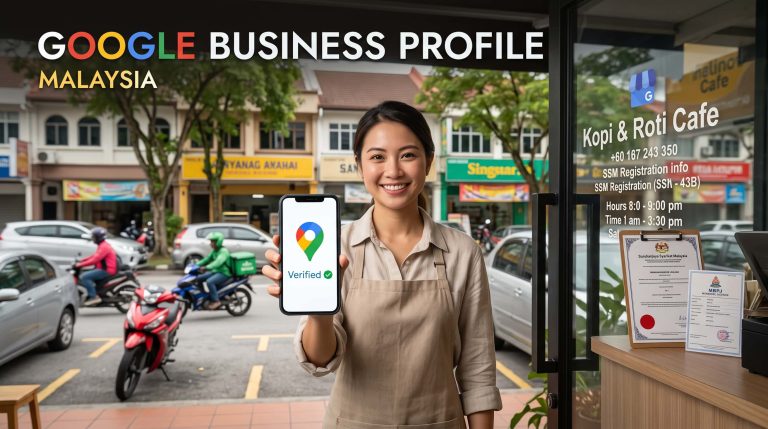
A Malaysia-specific guide to setting up and optimizing your Google My Business profile: verification, categories, service areas, photos, reviews, attributes, and the local SEO basics that help your business get found on Search and Maps.
Quick Overview
A Google My Business profile, now officially called Google Business Profile, is the free listing that helps your company appear on Google Search, Google Maps, and Google’s AI-powered search summaries. For Malaysian SMEs, it is often the first place a customer checks before calling, visiting, asking on WhatsApp, or comparing you with a nearby competitor. In 2026, Google Business Profile signals make up roughly a third of what decides local ranking, according to Whitespark’s 2026 local ranking factors survey, which makes this profile one of the highest-leverage things a small business can control.
Need help with this?
Tell us about your business and we will suggest the next practical step.
1. Understand what a Google My Business profile does
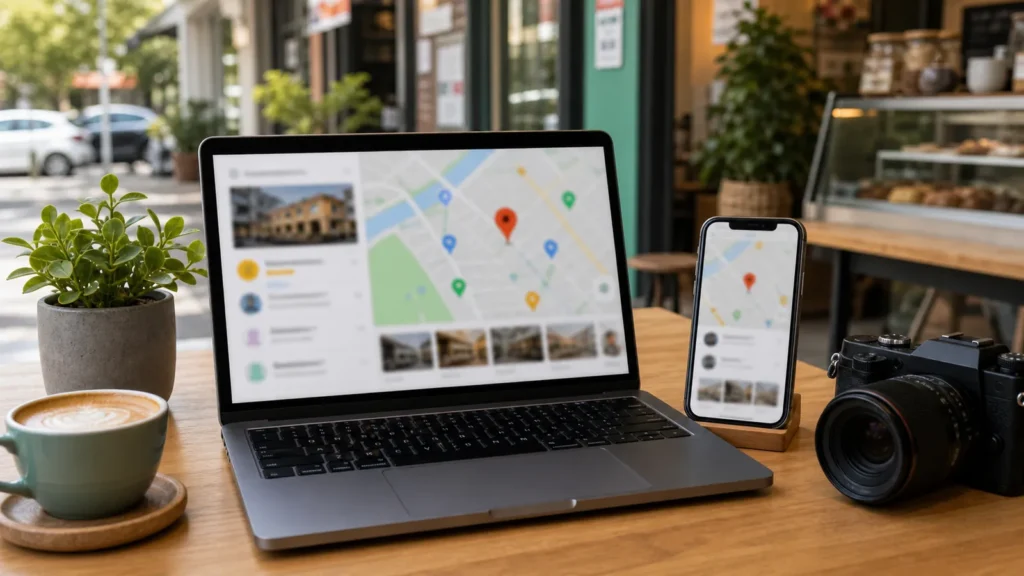
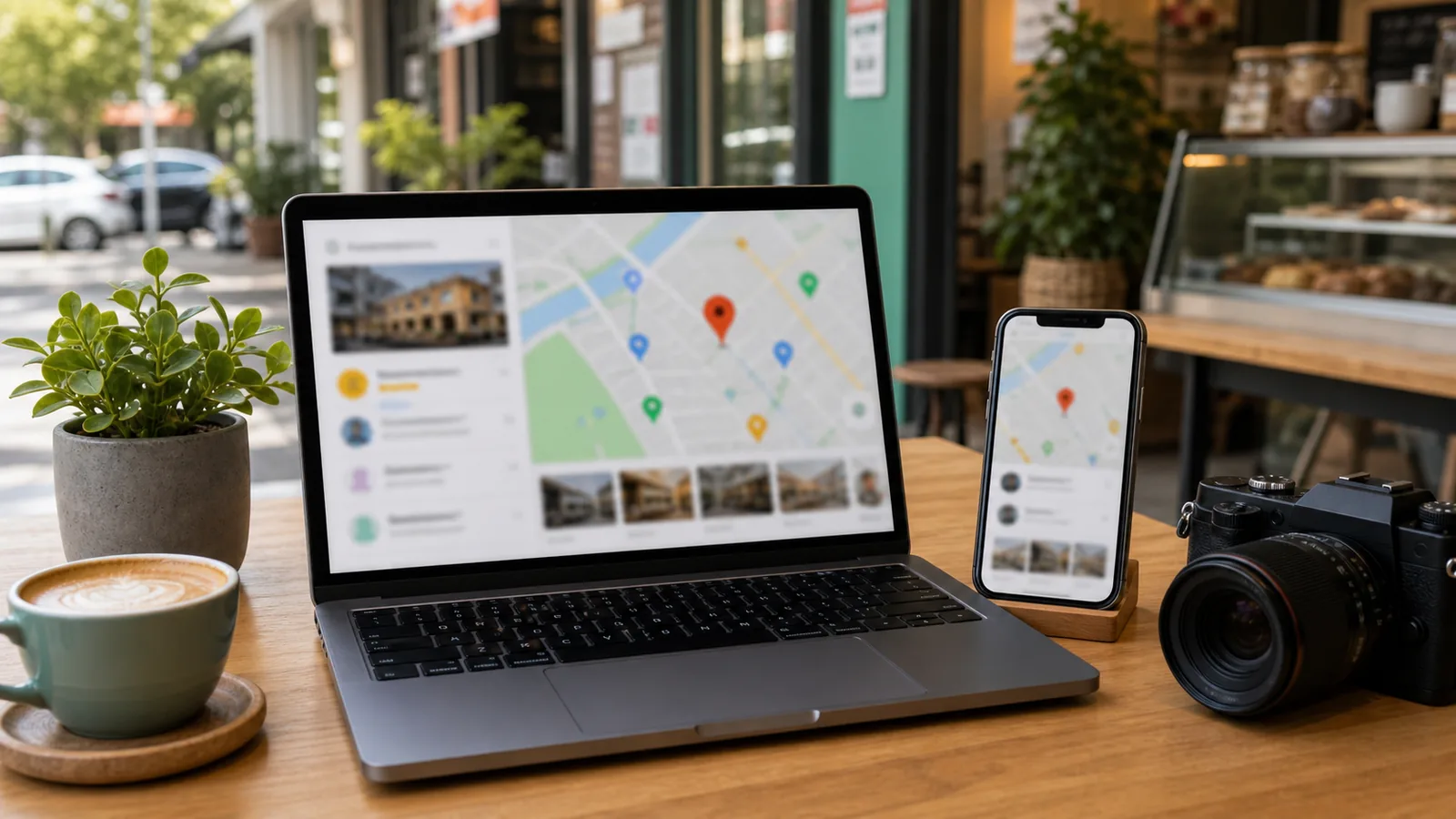
A Google Business Profile shows your business name, category, location or service area, opening hours, phone number, website link, photos, reviews, posts, and products. It matters most for restaurants, clinics, salons, contractors, tuition centres, retail shops, hotels, workshops, and any business that depends on nearby or local customers.
Google’s own Business Profile documentation explains that businesses can create or claim a profile and add essential information so customers can discover them on Search and Maps. Google’s local ranking guidance also confirms that local results are scored on relevance, distance, and prominence, and a complete, accurate profile is the fastest lever a business owner can pull to influence the first two. That makes GBP one of the core local SEO foundations to set up, alongside a clear website and consistent contact details.
2. Claim or verify the correct profile with Google’s video verification
Start by searching your business name on Google Maps and Google Search. If a listing already exists, claim it instead of creating a duplicate. If it does not exist, create a new profile through the official Google Business Profile flow. Use the real business name customers know, not a keyword-stuffed name.
Verification has changed significantly. Google’s support documentation confirms that video verification is now the standard method for most new and reinstated listings, replacing the old postcard-by-mail process. Instead of waiting days for a code in the post, most owners now film one continuous, unedited video from a mobile device showing the business signage, the interior or work area, and proof that they actively manage the location, such as unlocking a door or accessing equipment. Google typically reviews the video within five business days.
Service area businesses without a public storefront still need to complete video verification, but show branded vehicles, tools, or job documentation instead of a shopfront. Google has tightened this process specifically to reduce fake and spam listings, so submissions from shared office buildings, high-spam categories such as contractors or marketing agencies, or recently created listings tend to face stricter review.
Do not keyword-stuff the business name
Use your real business name. Adding extra services or city keywords into the name can create policy issues and increase the chance of suspension during Google’s spam checks.
Common verification mistakes to avoid
- Recording in multiple clips or editing the footage together, since Google requires one continuous take
- Filming the video elsewhere and uploading it later instead of recording directly in the app
- A mismatch between the signage, business name, or address shown on camera and what is listed on the profile
- Choosing the wrong business model option (physical location, service area, or both) at the start of the verification flow, which can affect whether your address is shown publicly
3. Choose categories, attributes, and services carefully
Your primary category tells Google what your business mainly is, and it remains one of the single biggest levers for Maps visibility. Choose the closest category, not the category with the highest search volume. Then add secondary categories and services only when they genuinely apply.
For example, a dental clinic should choose a specific dental category rather than a broad medical one. A renovation contractor should list real services such as kitchen renovation, bathroom renovation, tiling, painting, or plaster ceiling only if the business actually provides them. Relevance matters because Google uses profile information, including categories and attributes, to judge whether your business matches what a customer searched for.
Business attributes, such as accessibility features, service options like delivery or online appointments, accepted payment methods, and free Wi-Fi, are weighted more heavily in Google’s relevance calculations than before. Complete every attribute that genuinely applies, and check back periodically, since Google adds new attribute options regularly.
| Setup Area | Good Practice | Common Mistake |
|---|---|---|
| Business name | Use real registered or public-facing name | Adding city and service keywords unnaturally |
| Primary category | Pick the closest, narrowest business type | Selecting a broad category for search volume |
| Attributes | Complete every attribute that truly applies | Leaving attributes blank or adding false ones |
| Services | List real services with clear descriptions | Adding services you do not actually provide |
| Website link | Link to a relevant service or homepage | Linking to a dead, slow, or unrelated page |
4. Set location, service area, hours, and contact details
If customers visit your premises, show the address accurately. If you travel to customers, set a service area instead of showing a private or irrelevant address. Malaysian businesses should keep name, address, phone number, website URL, and business hours consistent across the website, social pages, directories, invoices, and profile, since this NAP consistency directly supports the prominence part of Google’s ranking system.
Google Business Profile now supports adding a WhatsApp contact directly on the profile, which matters for Malaysian SMEs where WhatsApp is often the primary sales channel. Make sure the WhatsApp number is correct and that your website also gives a clear enquiry path, since the profile can bring a customer to you, but the website usually helps them decide whether to trust you.
5. Add useful photos and updates
Photos help customers understand whether the business is active and real. Add images of your storefront, team, products, menu, service process, completed work, rooms, facilities, or vehicles where relevant. Avoid over-polished, fake-looking images. Real, well-lit photos usually build more local trust.
Two features are worth using more deliberately in 2026. Google Posts, including standard updates, events, and offers, act as engagement signals that lift click-through in the local panel, even though they do not directly move map pack position, so publish them on a regular schedule rather than once and forgetting them. The Products tab is increasingly pulled into Google’s AI-powered Maps summaries when someone searches for a specific item or service nearby, so populate it even as a service business. A clinic can list flat-fee packages, and a salon can list individual services with price and a short description, turning each product entry into a small landing page inside the profile.
For Malaysian SMEs, photos and product listings should answer practical questions. Can customers find the entrance? What does the clinic reception look like? What renovation work have you completed? What dishes are available? What products are in stock and at what price? These details reduce hesitation before a call or WhatsApp message.
6. Build a genuine review process focused on recency
Google’s local ranking documentation states that local results are based on relevance, distance, and prominence, and that review count and rating quality contribute to prominence. Google is explicit that there is no way to request or pay for a better local ranking.
Review recency matters more than raw review count in 2026. Whitespark’s local ranking factors research ranks review recency among the top signals local SEO practitioners track, and roughly three in four users say they look specifically at reviews from the last few months before deciding whether to trust a business. A business with 200 old reviews and none in the last quarter can lose ground to a newer competitor with a steady, recent review flow.
Create a simple review process after every real service delivery. Ask satisfied customers politely, send the correct review link, and respond to every review professionally. Encourage customers to mention specific details in their reviews, such as the service used or the problem solved, since generic one-line reviews carry less weight for both readers and Google’s summary systems. Do not buy reviews or pressure customers. Genuine, recent reviews are safer and more useful than fake activity, and fake review activity risks profile suspension under Google’s spam enforcement.
7. Connect your Google Business Profile with a strong local website
A Google Business Profile is powerful, but it is not a replacement for a website. Your website gives deeper information: service pages, pricing cues, FAQs, before-and-after proof, booking flows, ecommerce, blog content, and conversion tracking that the profile cannot show on its own.
DigitalBina helps Malaysian businesses connect website structure, local SEO, Google Business Profile setup, mobile-friendly design, and clear WhatsApp enquiry paths. For deeper reading on the ranking side of this, see our local SEO Malaysia guide or our overview on choosing the right SEO company in Malaysia. If your website is outdated or unclear, start with a free website audit or review SEO services Malaysia for deeper search visibility.
FAQs about Google Business Profile in Malaysia
Is a Google My Business profile free?
Yes. Creating or claiming a Business Profile is free. Agencies may charge for setup, verification support, optimization, photo planning, review workflow, and ongoing local SEO management.
Can I rank higher by paying Google?
No. Google’s local ranking documentation confirms there is no way to request or pay for a better local ranking. Google Ads can show paid ads above organic results, but organic local ranking stays separate.
Do I need a website too?
Yes, if you want stronger trust and clearer conversion. A website gives customers more depth than the profile alone, including pricing context, portfolio proof, and detailed FAQs.
How does verification work now?
Most Malaysian SMEs verifying a new or reinstated listing are asked to record and upload a short video walkthrough directly through the Business Profile app, rather than wait for a postcard. Google typically reviews the video within five business days.